Raise the Flag: Private Player Notes.
 jimmysnowmannew feature
Private Player Notes
Every community has a few players who make the game less fun. The ones who won't concede a lost board, who rules-lawyer every trigger, who slow-play the clock, or who just bring a bad attitude to the pod.
We can't police table etiquette from the server, and frankly we don't want to — MTG is a social game and its social contract belongs to the players at the table.
What we can do is give you a better memory.
What this is
You can now attach a private note to any other player. Pick from a short list of preset tags — refuses to concede, rules lawyer, slow play, toxic, disconnects — and add an optional comment in your own words.
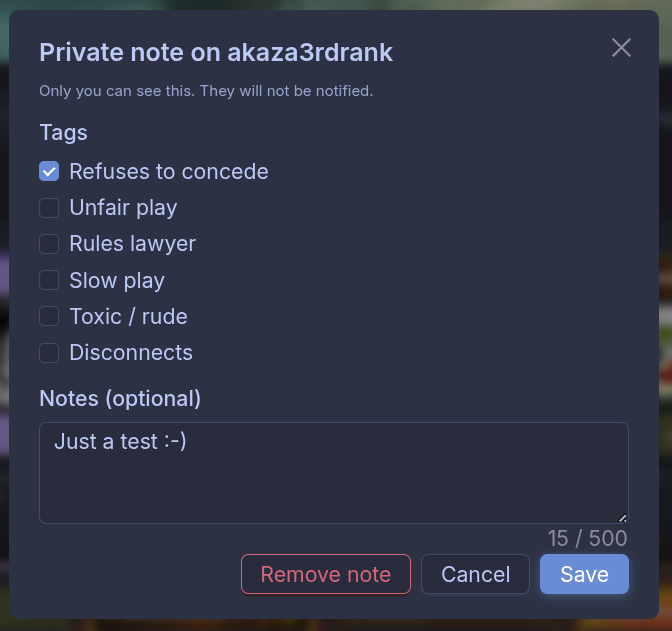
Once you save, a small flag appears next to that player's name wherever they show up: the public table list, their profile, your friends list, and on their seat in-game.
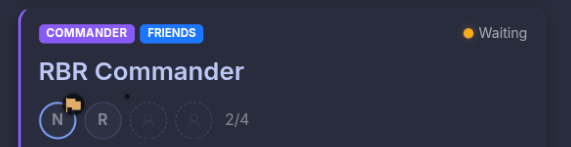
The next time you're browsing tables and see that flag next to a seated player, you'll remember exactly why you decided once before that this wasn't a pod you wanted to join. And you can vote with your feet.
What this isn't
It's private. Only you ever see your notes. The player you've noted gets no notification, no marker, no hint a note exists. There is no "report", no moderation queue, nothing routed to the TC team. We don't want to be the playground supervisor — we want to give you the information to make your own choices.
It also doesn't block anything. The flag is informational. You can still join a table with a flagged player if you want to, and they can still join yours. Blocking is a bigger decision with bigger consequences, and we'd rather start here, see how it gets used, and build from there if you ask for more.
Why a reminder, not a rating
A public rating system would be great in theory and a disaster in practice. It punishes players who get unlucky with a bad review, it rewards brigading, and it turns a social game into a reputation game.
A private note, by contrast, costs nothing to the community and only helps the one person who wrote it — the person who was actually there.
Think of it less like a review site and more like the mental note you already keep about "the guy from last Tuesday." We're just giving that note a place to live so it's still around six months from now when you see him sit down again.
How to use it
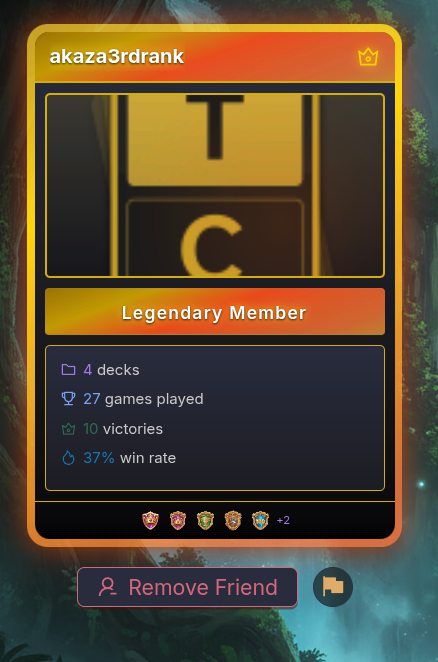
- From another player's profile, click the flag icon next to the Add Friend button.
-
In-game, right-click an opponent's player box in the top bar to open the editor.
-
On the mobile companion app, tap the flag next to an opponent's name on the Online Game screen.
Pick the tags that apply, add a comment if you want to remember specifics, save. You can edit or delete the note any time from the same place. Notes sync across devices — set one on web, see it on your phone.
If you're running into the same player over and over and you'd rather the system did the remembering for you: now it will.
No comments yet.